For restaurants, cafés and hospitality
Your branding reaches the table. It starts with a clear specification.
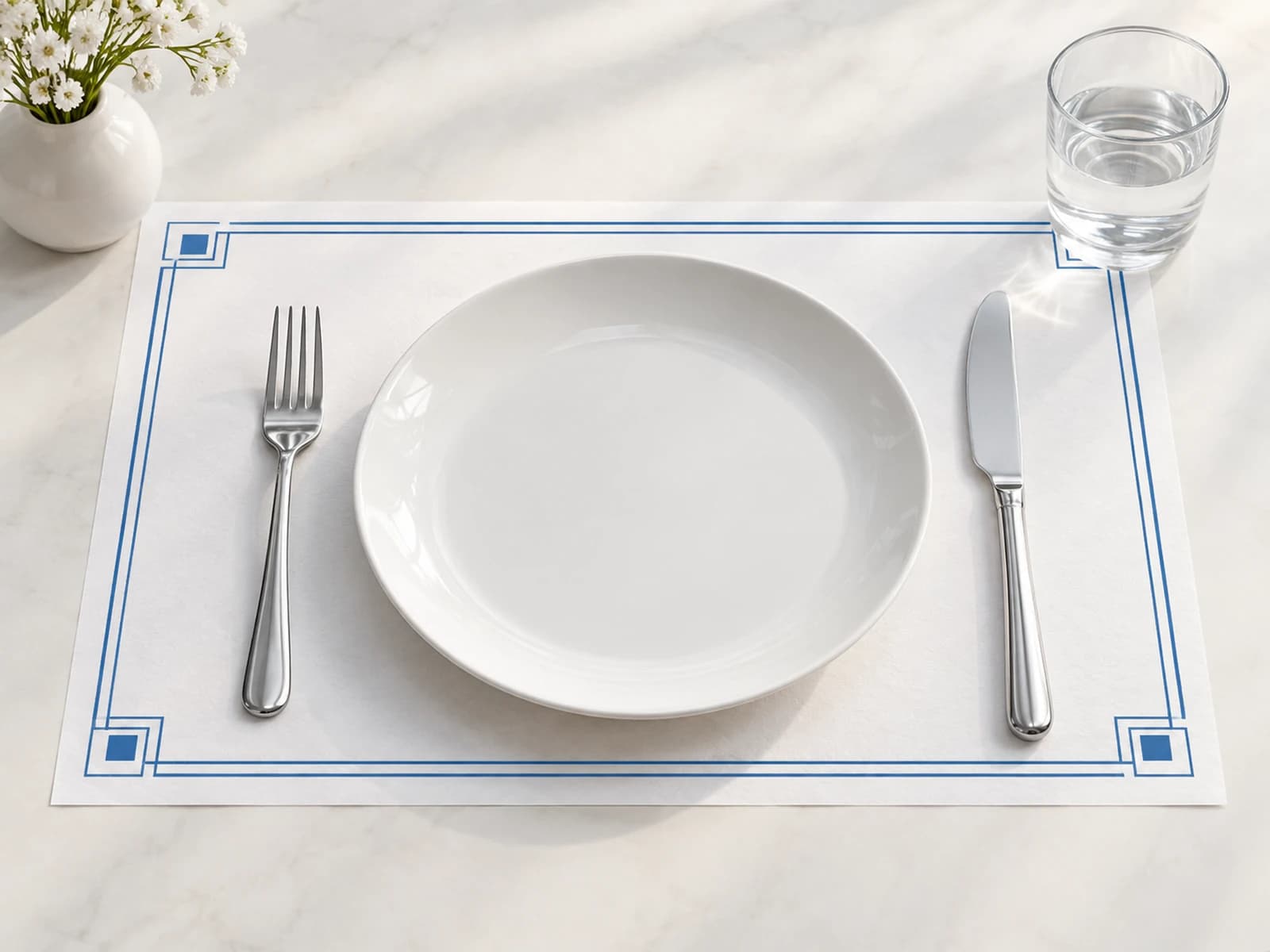
A placemat can combine a menu, your business's story or a message for guests. Define the printing you need and receive quotes from suppliers that match the specification.
You can start filling it in without registering; an account with a verified email is required to send.
In the form, choose flyers and write in the description: placemat.
Define
Quantity, size, material and target date.
Request a quote
Sign in at the sending stage; suppliers respond according to fit and availability.
Choose a supplier
Check what the quote includes and arrange payment directly with the supplier.
A placemat that suits your hospitality
For a restaurant, a café, catering or an event: think about the space on the table, the content that will appear on it and how it will be used. Say whether single-sided or double-sided printing is needed, and whether there is a special material requirement.
What affects the quote?
The size, quantity, paper, colors and finish define the job specification. Single use and repeated use may call for different materials — define the need and ask the supplier to confirm that the material suits it.
Sizes and file
The flyers form includes placemat sizes of 25×35 and 30×40 cm, alongside a custom size. Write in the job description that it is a placemat. Attach the design you want or note that there is no final file yet.
Questions before you start
Which category do I choose in the form?
Choose flyers, which also holds the placemat sizes. In the job description, write placemat and the usage requirements.
Can I reorder a saved design?
If the print shop manages a saved design for you and has opened portal access for you, you can order from it and choose from the designs available to you. This option depends on your being set up as a customer at that print shop.
Do I need to register before filling in a request?
You can start filling in the request as a guest. At the sending stage an account with a verified email is required, so you can receive updates and track the quotes.
Who do I pay for the printing?
Payment for printed products is made directly with the print shop you chose. Drapress connects you and gathers the request and the quotes.
Do I get a price right away?
The request is sent to suitable suppliers. The quote depends on the specification, availability and the supplier's decision; the price and delivery time are set in their quote.
Who receives the files and the contact details?
Before you choose, suppliers see the request specification and the file details shown in the system. The files themselves and the contact details are passed to the supplier you select.
More products
For businesses, events and promotions
Flyers
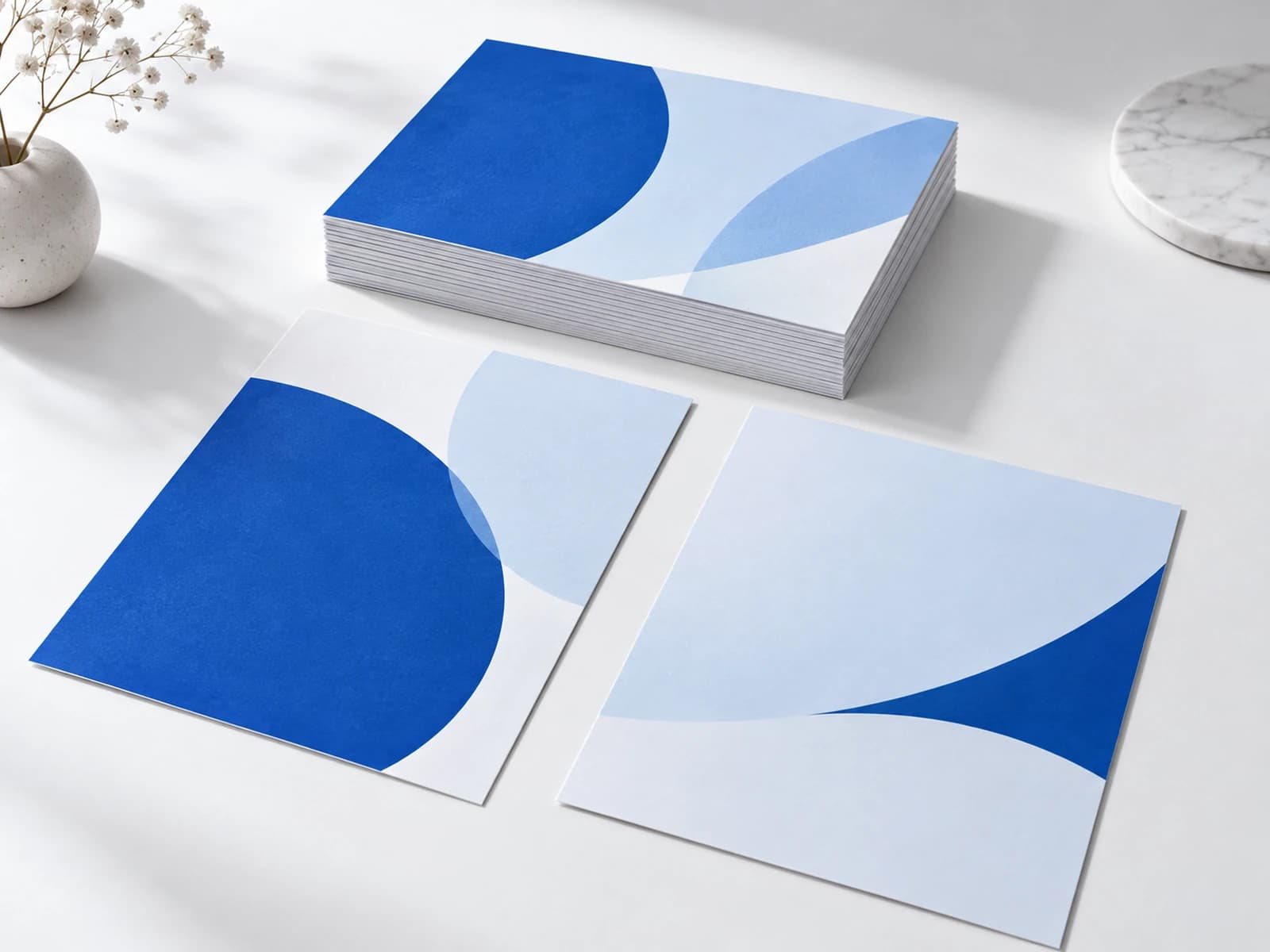
Choose the flyer size, the quantity and the finish you want. Drapress gathers the specification and passes the request to print shops that suit the job.
For content, training and presenting your business
Booklets
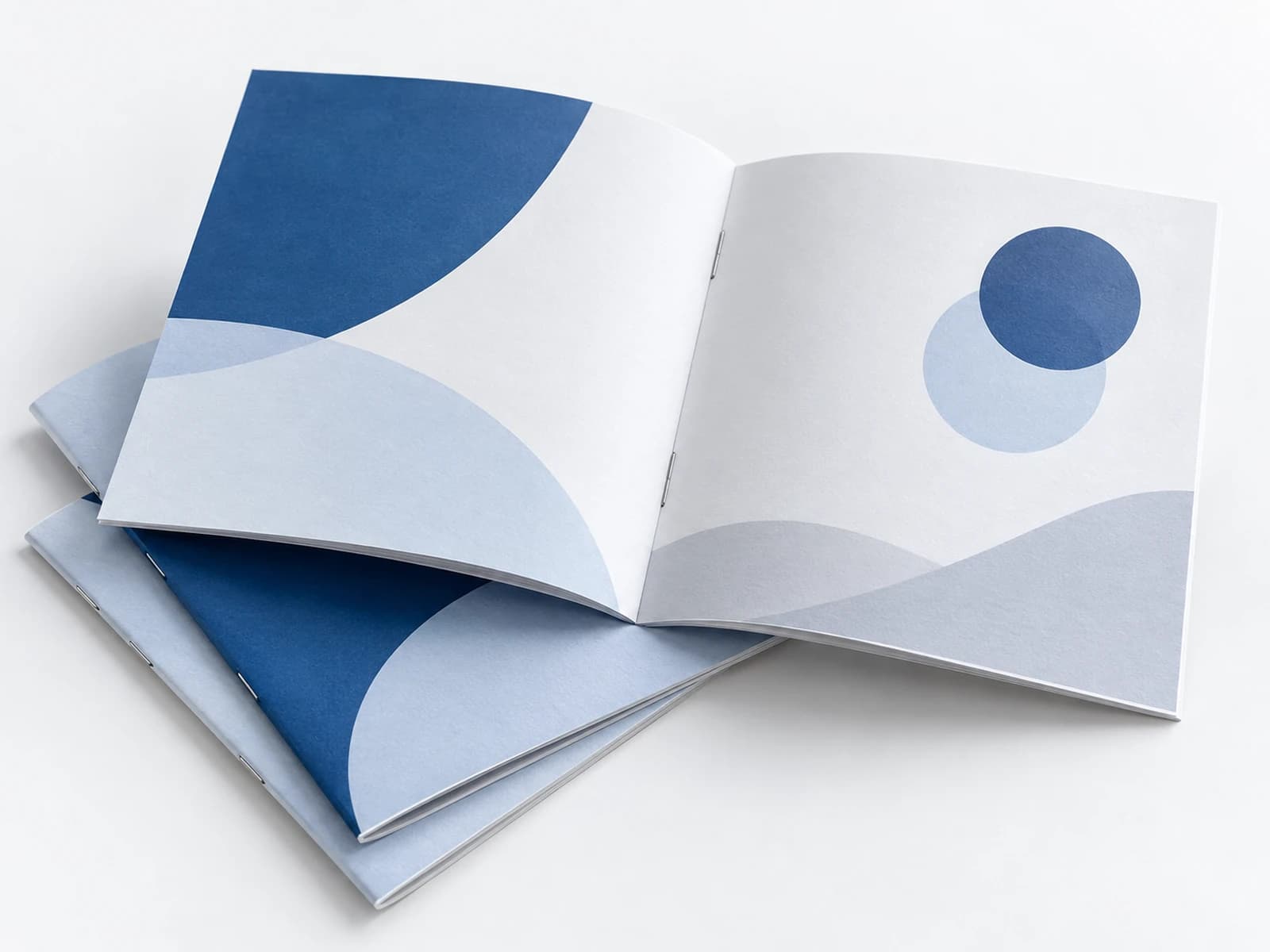
A training booklet, conference material or content for an organization — define the pages, the paper and the binding so the supplier can build a quote that suits the job.
Information that helps you prepare a clear request
A guide to ordering print
How do you request a print quote you can compare?
A list of details that helps you request quotes against the same specification: quantity, sizes, paper, finishes, files and delivery.
A guide to ordering print
How do you choose paper for a flyer without guessing?
What to ask about weight, finish, folding and use before choosing paper for a flyer or a placemat.
A guide to ordering print
Repeat orders: how do you keep the right file over time?
A workflow for designs that are ordered again: names, versions, approval, choosing the file for ordering and updating without harming the history.