For print shops and print producers
Less chasing files and approvals. More time for the next job.
Give your team and your customers an organized way to work together: a design library, versions selected for ordering, repeat orders and requests from the network.
“Wait, which file did the customer approve?”
The selected version is kept with the job, and the approval is recorded separately
“Who is handling this, and what comes next?”
A job folder with an owner and instructions
“Print it again, like last time”
The regular designs, on the customer card
Start with your own customers. The network is an extra channel.
Join today and try it free for 30 days — your next customer can already approve a proof in Drapress.
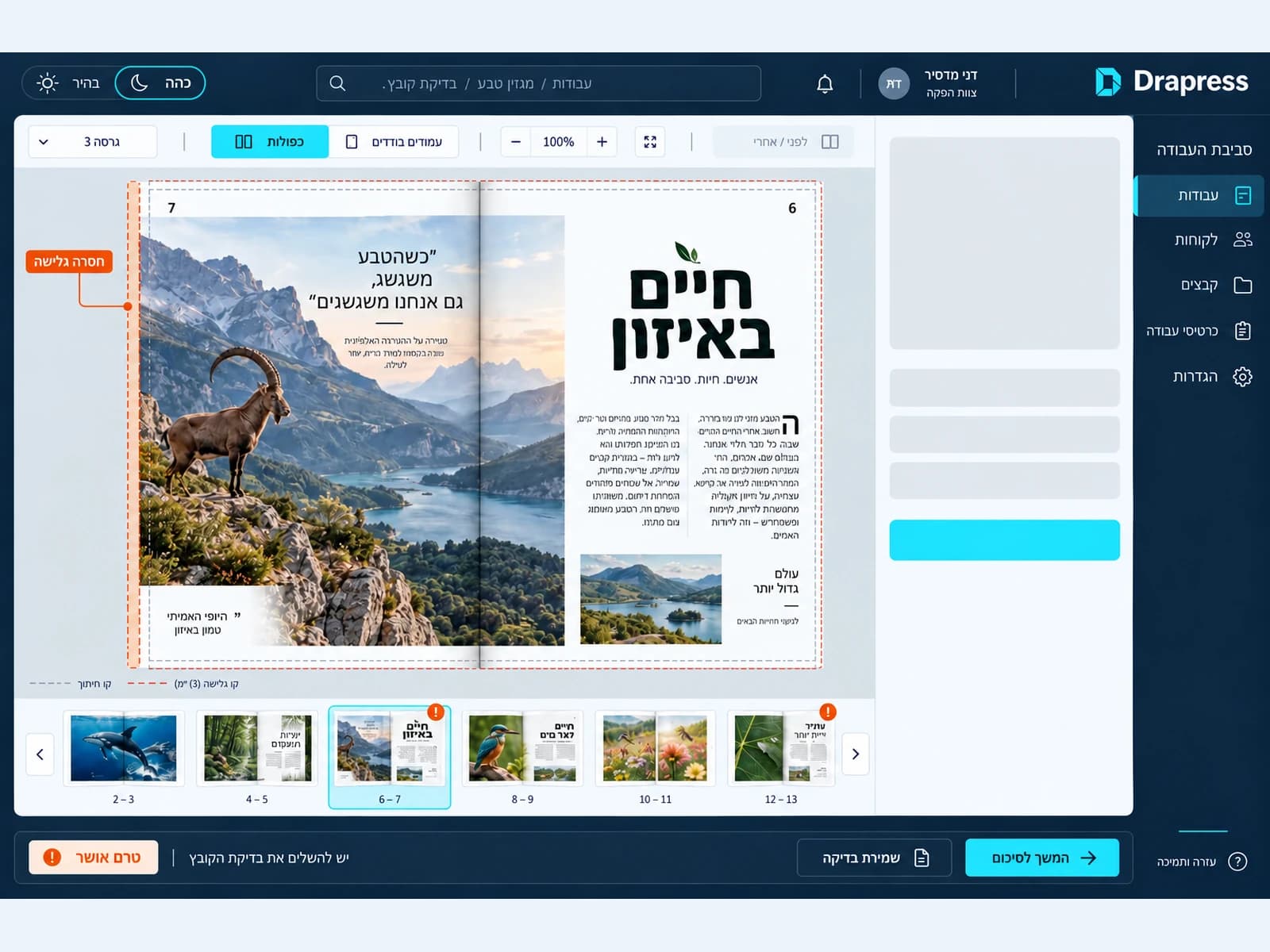
What can you do here?
Drapress brings orders, files and customer communication together so your team can follow a clear workflow from intake to completion.
Start 30 days freeCompare plansSee the live demo — no sign-up
- 30-day free trial
- No credit card
- Hebrew and English
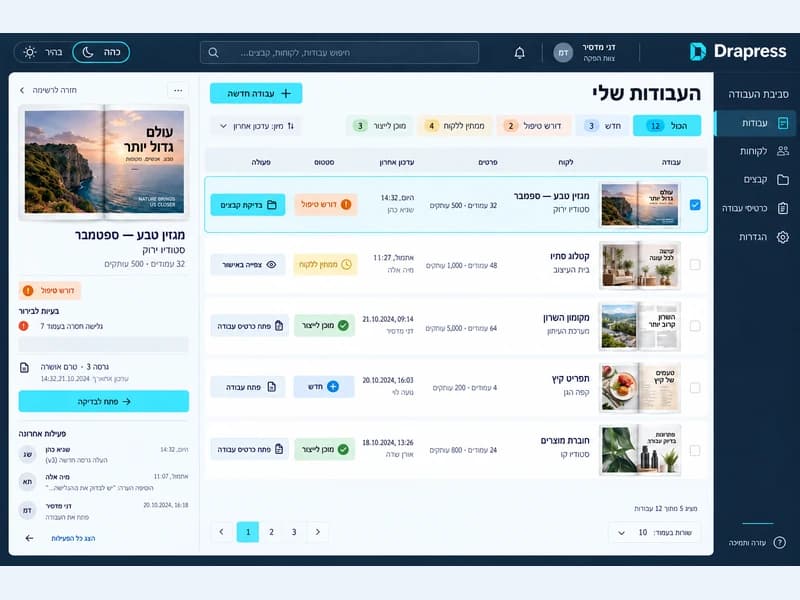
Concept illustration: job queue, order status and next action. Keep orders and customer work together
Search and filter your order queue, see a schedule by due date and request a file correction from a customer. Customer records, a portal on your own subdomain, tailored prices and specifications, folder imports and repeat orders organize ongoing work.
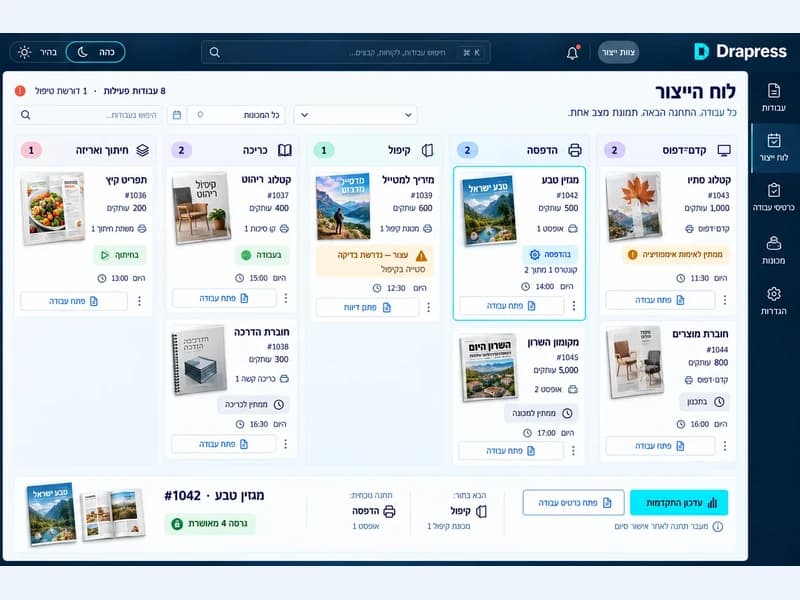
Concept illustration: jobs organized by workflow stage. Move work through stages and teams
The production board groups jobs by stage. A quick workflow lets you approve an order, mark it in production and complete it with customer updates. Printed job tickets and a worker station, also accessible by scanning a QR code on a phone, support team handoff; five roles define permissions.
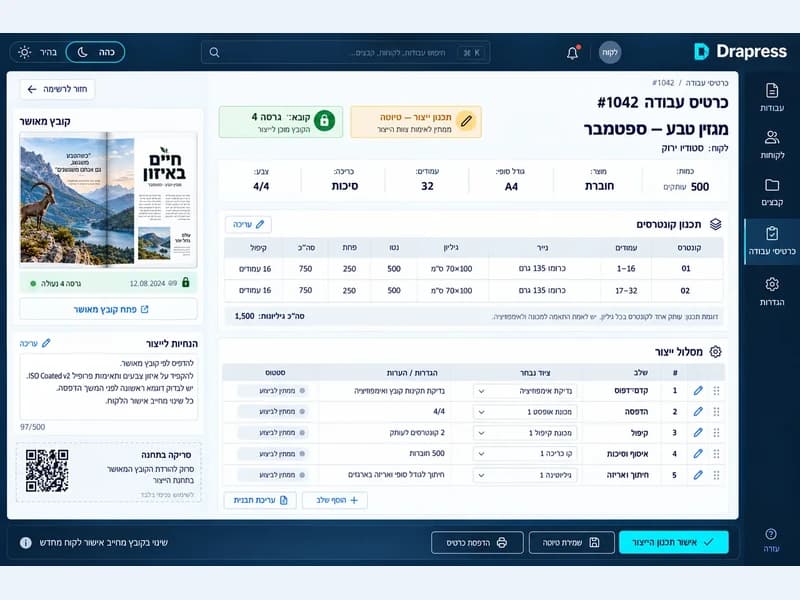
Concept illustration: approved artwork and specifications with the job. Keep the approved file and version clear
Original files are always preserved. Versions, a page board and four proof modes organize file review, and approval locks an exact version. Prepare a PDF work package and drag the print file to a folder on your computer, or download it.
What do the file checks cover?
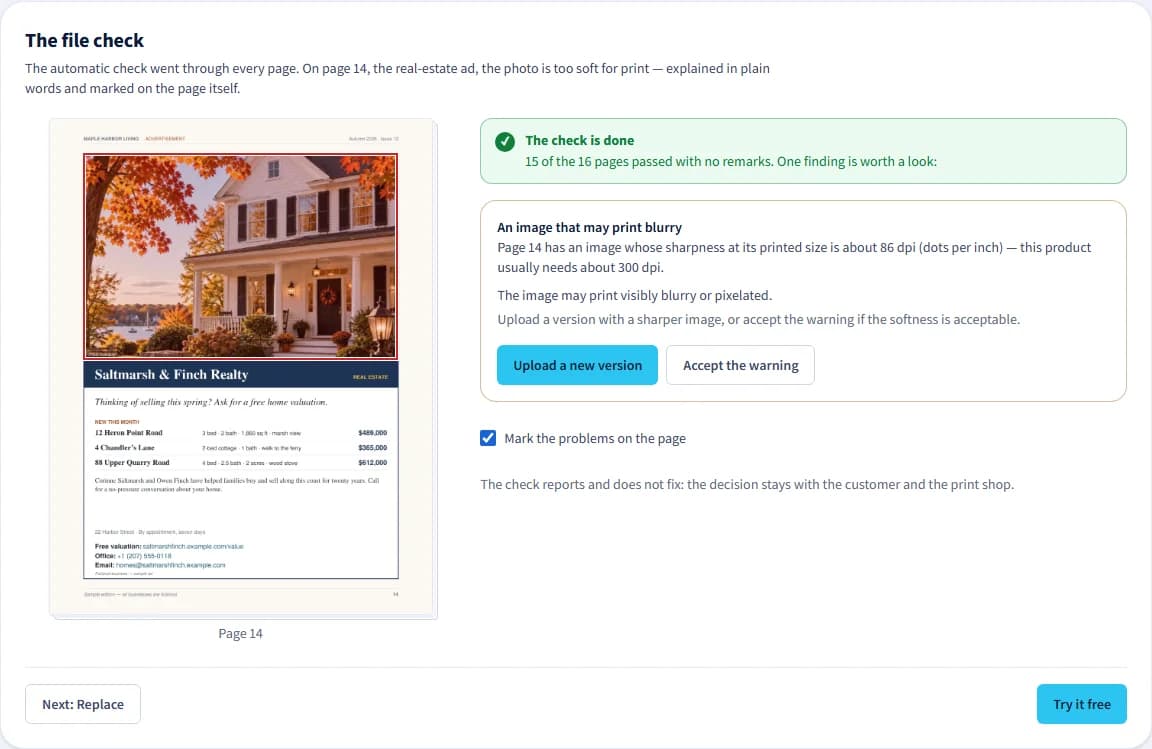
Automatic checks cover page count and order against the product, missing or duplicate pages, unreadable or unprocessed files, page size and orientation, single pages versus spreads, and PDF bleed boxes. They also check image resolution at the printed size, fonts that are not embedded in the file and spot colors defined in it, and show what they find to your team and the customer. The system also detects content changes after approval and impositions that are stale against newer files.
This is not a complete prepress check. Color conversion to the print shop's profile, ICC handling and overprint handling are not done, and the checks only report findings — an automatic fix to a page happens only when someone chooses and confirms it.
Prices and quotas are listed on the pricing page. Drapress charges subscription fees; payment for printed products goes directly to the print shop.
From the press to finishing
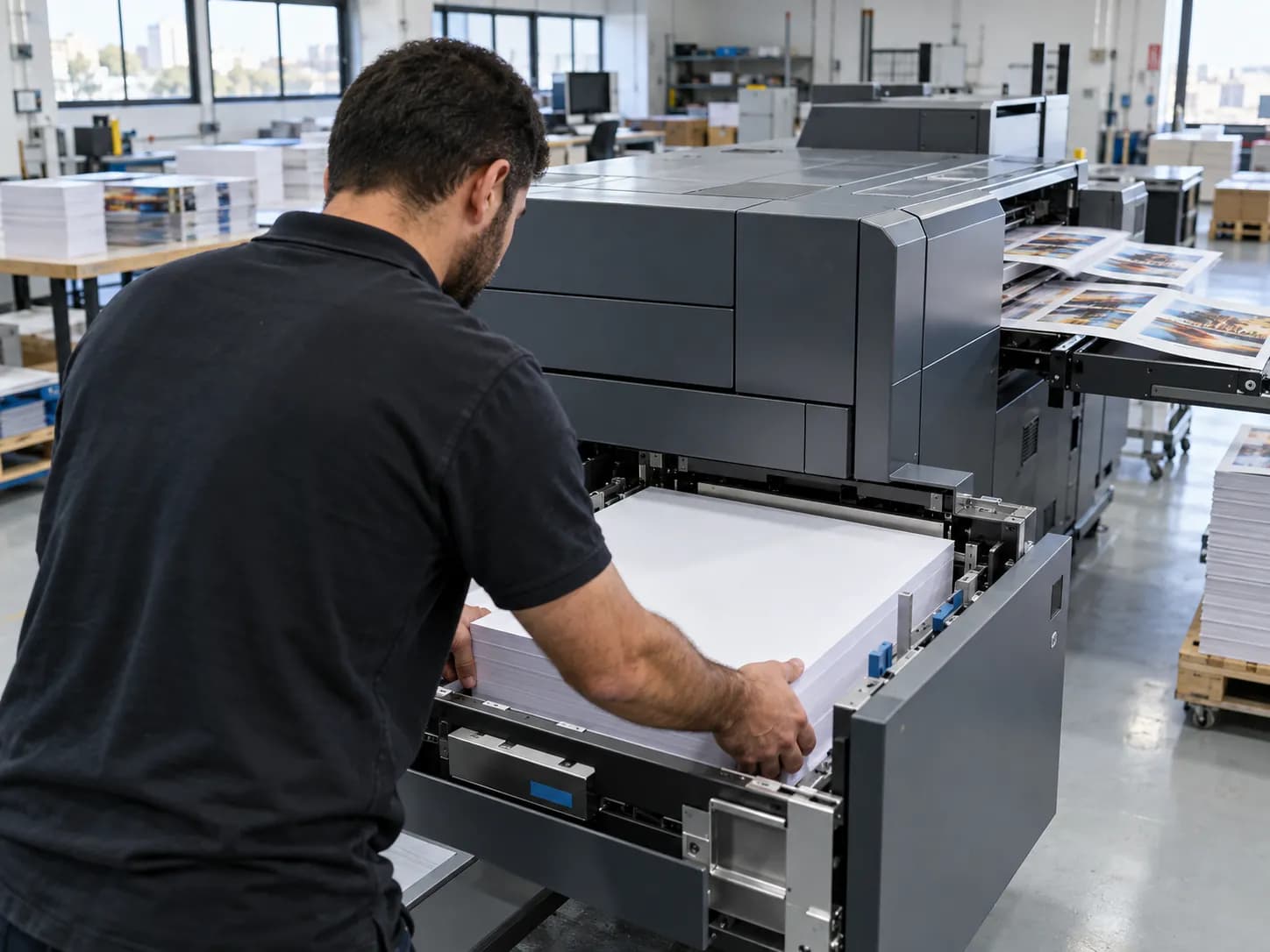

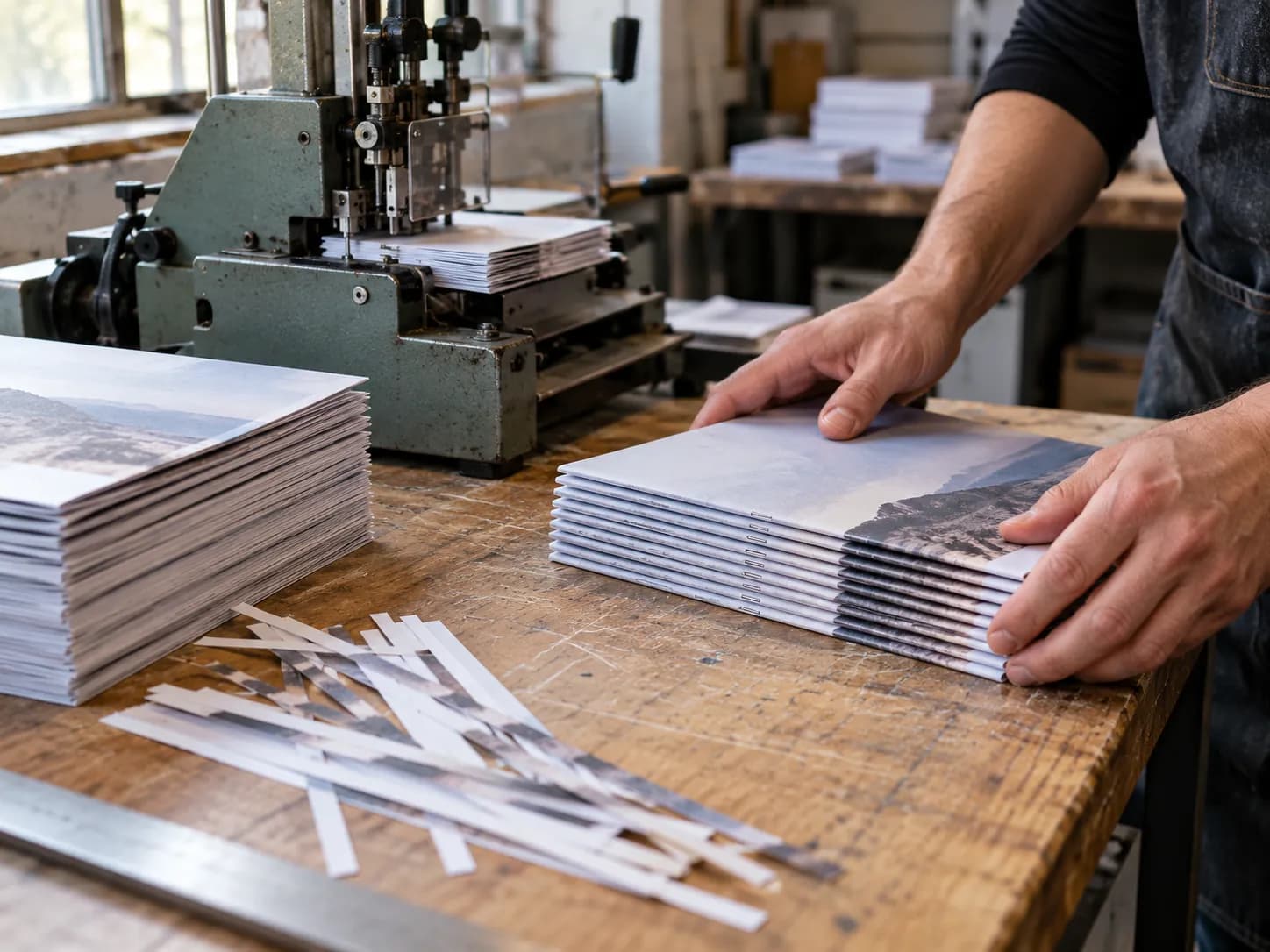

A real view of the system
Keep file-check findings and the job’s state together in one place.
Save time
Files, versions and approvals in one place — less searching and less back-and-forth.
Save money
An exact version and a clear approval before printing help reduce mistakes and the cost of repeat work.
How one job runs.
An example job, from the customer to the team: whose job it is, which file was selected for it, and what each side sees.
Step 1 · The job
Every job gets its place.
The job is opened from the customer card, with its product, quantity and stage.
Placemats · Sample restaurant
1,000 unitsNewConcept illustration · sample data - The customer sees
- The order and its stage, once invited to the print shop's portal.
- The team sees
- The job in the order queue, with the customer, product and quantity.
Step 2 · The version
See which version was selected.
The customer's design has versions. The job pins the selected version, and a newer version that arrives later does not change it.
- placemat-v2.pdf
Version 2 · selected for orders
- placemat-v1.pdf
Version 1 · previous version
Concept illustration · sample data - The customer sees
- Their designs, and which version the next order will send.
- The team sees
- The file pinned to the job, and every version on the customer card.
- placemat-v2.pdf
Step 3 · The team
The team gets the context.
The production board shows the job by stage, and the job folder shows who is responsible, the spec and the file.
- New
- In prepress
- Printing
Placemats · Sample restaurant
Responsible: Dana
placemat-v2.pdf
Internal note: check the packing instructions.
Concept illustration · sample data - The customer sees
- Updates as the order moves along, without the team's internal notes.
- The team sees
- The stage, the person responsible, the spec and the file, plus internal notes about the customer.
No need to move the whole business in one day
Start with one customer and one job you know well, using the files you already have.
Product and customer
Start with one product and one customer card.
Design and version
Add a design and choose the ordering version.
Process check
Open a first job and check it. You can also invite the customer to the portal.
Start 30 days free
After you sign up and verify your email, the Home page opens with a short list of steps: your business details and logo, a product, a first customer and a first job — up to the customer approving the proof.
Trial terms and quotas on the plans pageA customer library that works for you
Keep designs and files in the customer card, and organize them by product. You can import customer folders and complete details after the import, with a preview and a selection before the action.
Customers order from saved designs
Open portal access for the relevant customers. The customer chooses an available design and a quantity, and the order pins the selected version. The team can see the relevant file even when the design is updated afterwards.
Requests that suit the print shop
Define your fields of activity and your capabilities as a supplier to take part in the network. You can receive requests according to fit and to your subscription plan. The number of requests and quotes depends on network activity — there is no commitment to a volume of work.
Receive requests from new customers too
A network supplier profile lets you receive requests that match your services and submit quotes. Publish a price list to receive direct orders.
Don’t miss customers looking for a place to print.
The quote-request network connects customers with matching print shops. Receive print requests, send quotes and give customers an easy way to move forward with you.
Working within the plan you chose
Subscription plans define quotas and permissions. The up-to-date pricing page lists the plans. Payment for printing stays directly between the customer and the print shop.
Questions before you start
Does Drapress process payments for printed products?
No. Drapress charges a subscription for using the system. The customer pays for the printed product directly to the supplier they chose.
Do I have to start with the whole customer library?
You can start with one product and one customer, test the process and then expand. The folder import option helps move an existing library over in an organized way.
Is the most recently uploaded version always the one selected?
The version used for orders is the version selected for that purpose. Uploading a new version is no reason to assume it has already been selected; check the selection before ordering.
Where can I see prices and quotas?
On the plans and pricing page of the site. It is the up-to-date source for subscription terms and quotas.
The next step for your print shop
Don’t get left behind. Print is moving forward. You can too.
Move your print shop forward in a world of AI and automation. Alongside the files, proofs and approvals already working in one place, we’re adapting an AI agent to help customers place orders more easily and move toward a finished print product.
In development: an AI ordering agent