File preparation guide
Booklet page count — why it must be a multiple of 4
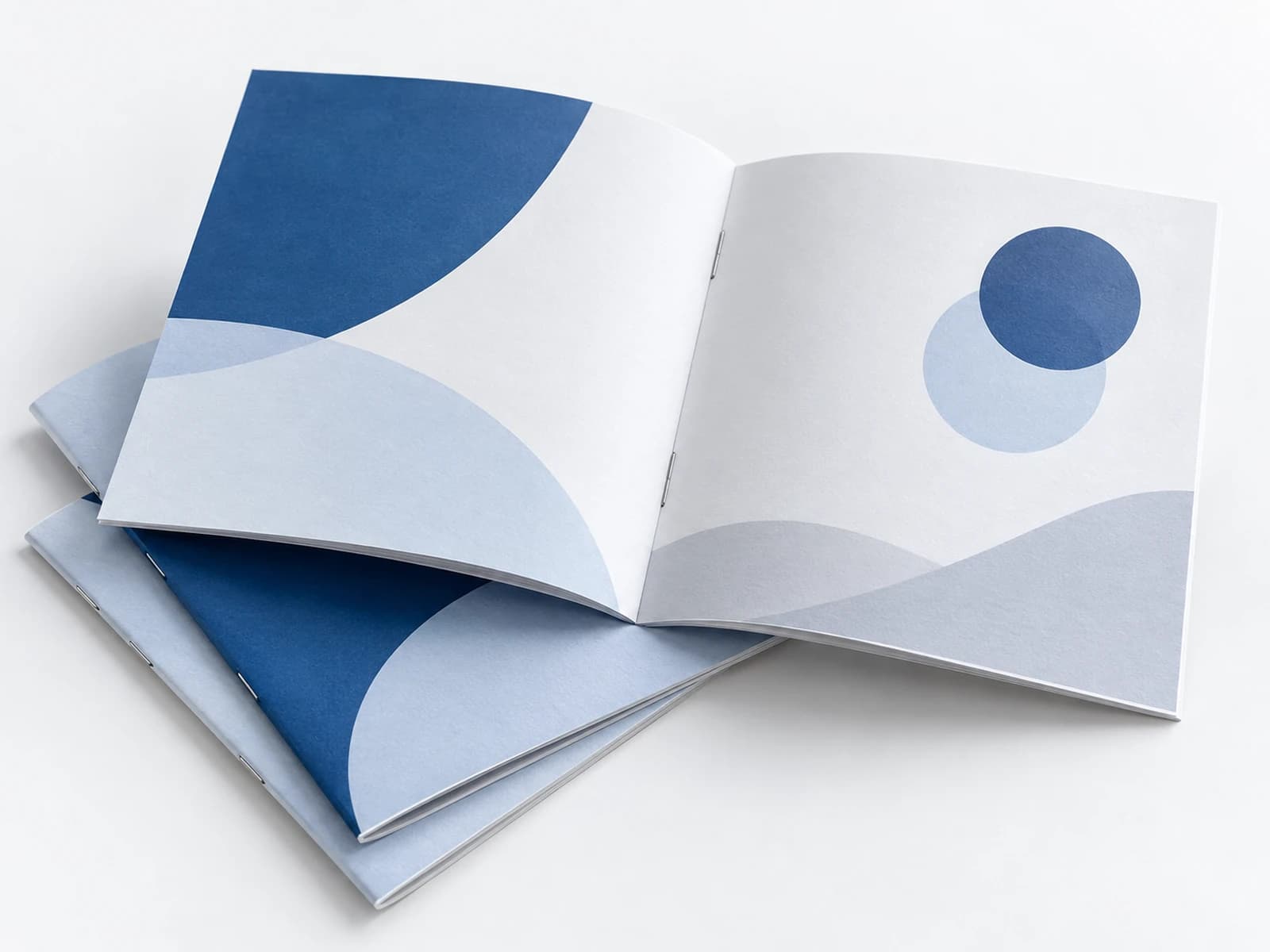
A booklet is built from folded sheets, so its page count cannot be just any number. Knowing this up front saves a round of corrections and blank pages nobody planned.
A folded sheet is four pages
One sheet folded in half makes four pages: two on each side. So a folded, saddle-stitched booklet is always 8, 12, 16, 20 pages and so on — multiples of 4.
Covers count as pages
There are two ways. A 12-page booklet with a separate cover: 4 cover pages plus 8 inside pages. Or a 12-page booklet with a self cover, where the cover is the same paper as the rest and the first and last pages are the cover. Tell the print shop which one you mean.
I have 10 or 14 pages
Add useful pages — a notes page, a table of contents, a spot for an ad — or remove some. Do not leave a blank page undecided: a blank in the middle of a booklet can look like a mistake.
Thick booklets
Staples work up to a certain thickness, because every folded sheet is pressed into the spine. Beyond that, print shops move to perfect binding (glued), which does not have the same multiple-of-4 requirement. The limit depends on the paper, and the print shop decides.
Page order in the file
Send the pages in reading order, one after another, as single pages and not spreads. The print shop arranges them on the sheet, unless it asks otherwise.
What Drapress checks when the file is uploaded
When you upload the file, Drapress checks that the page count suits the product and flags it when it does not. Spreads exported as one page can be split into single pages in one click, after a confirmation and with a proof.
See it in action
In this video (75 seconds, no sound) a sample file goes through the Drapress check, from upload to sending it to the print shop.
Read the video as text
The file looked fine on screen. At the press, the bleed falls short. And a photo that may print blurry. Upload your PDF. Your original is kept. Live view of every check: size, bleed, fonts, colors, images. Bleed missing on page 3: a thin white strip may show after trim. Step by step: the photo on page 5? Replace it, or accept it as it is. Screen colors (RGB): the shop converts them for print; shades may shift. Missing bleed? A few clicks build it from the page's own edge. It fixes only what is safe to fix. Before and after: the background now runs past the cut line. A warning left? You decide, then send it to the print shop.
What an automatic check cannot catch
The check knows how many pages the file has, not whether their order is right or whether a page is missing in the middle. The proof shows that, when you page through the booklet from cover to end.